
Similar Articles




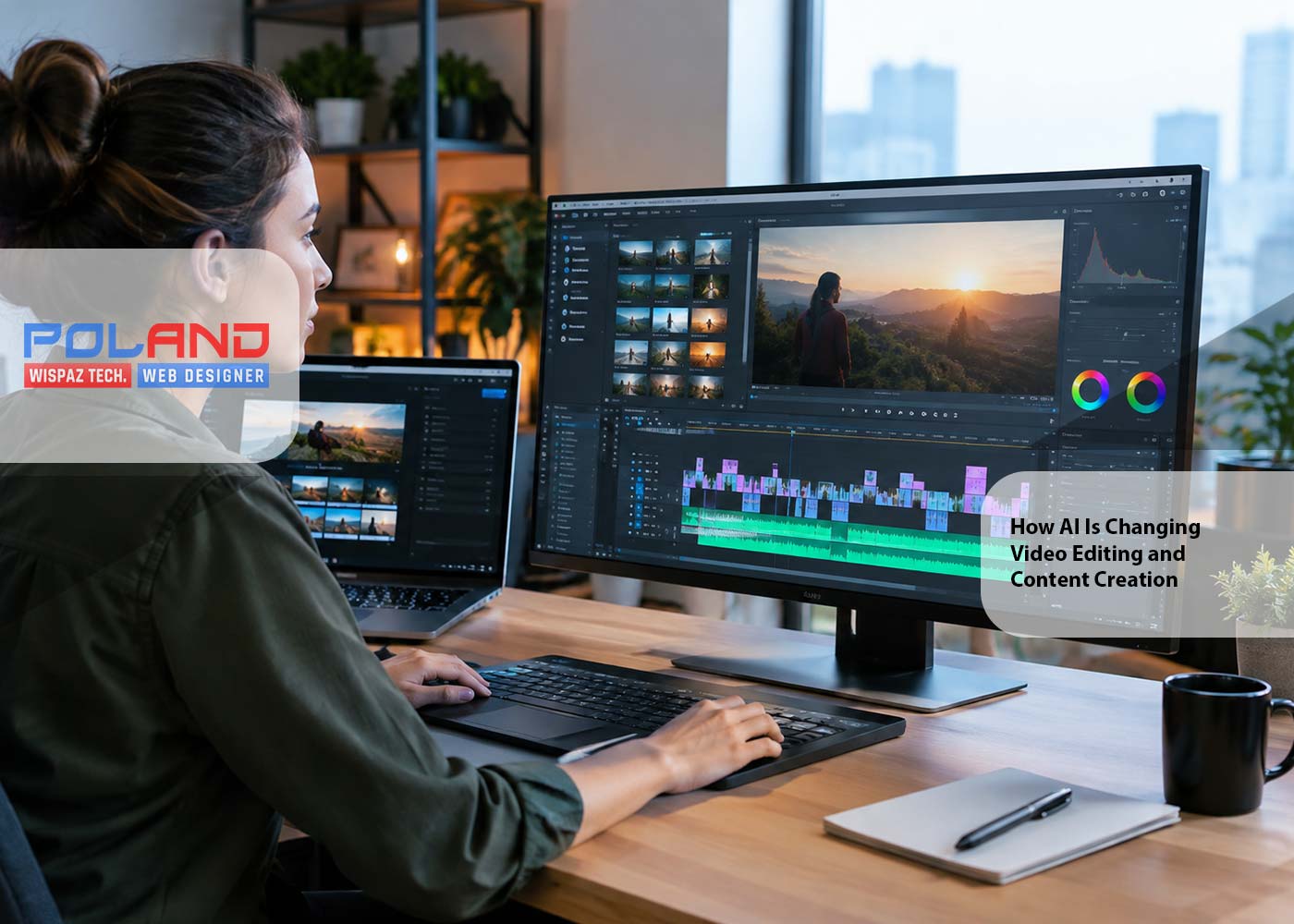
Artificial intelligence has quietly become a genuinely
useful part of modern video production. Work that used to mean hours of manual
cutting, captioning, reformatting, and sorting through media can now be handed
off, at least partly, to AI-powered software. This isn't about replacing the
creative process it's more that these tools are absorbing the repetitive parts,
leaving creators with more time to actually focus on storytelling and visual
direction.
The growing interest in AI video editors has also shifted
how people think about production in general. Rather than treating editing as
one long sequence of manual actions, creators can now describe a goal, organize
their raw material, and let intelligent tools speed through parts of the
process that used to eat up entire afternoons.
An AI video editor is software that uses artificial
intelligence to help with the tasks involved in producing or modifying video.
Depending on the platform, that might mean transcription, scene detection,
automatic captions, background removal, audio enhancement, reframing, clip
selection, and a handful of other editing functions.
Some AI systems mainly work with footage that already
exists. Others can generate entirely new visual material from text or images.
That distinction actually matters AI video editing and AI video generation are
related, but they're not the same thing.
An editor might use AI to pull out the important sections of
a recorded interview, then arrange those sections into a coherent story using
more conventional editing techniques. In a different workflow entirely, a
creator might generate visual assets from a written concept before ever
assembling a finished video.
One of the more interesting shifts here is the use of
natural-language instructions inside creative software. Rather than manually
navigating every setting, users can increasingly just say what they want in
plain language.
A ChatGPT video editor free workflow, as an example, is really a conversational
approach to video production natural-language instructions helping organize the
creative work rather than requiring someone to click through a maze of
settings. The broader idea is letting people communicate their editing goals
without needing to master every technical control inside an interface first.
That's especially valuable for beginners. Traditional
editing software comes loaded with timelines, menus, effects, audio controls,
and export settings enough to overwhelm anyone just starting out.
Natural-language interfaces make a lot of that more approachable, though the
resulting video still needs a careful look before it's called finished.
The biggest advantage of AI-assisted editing is plain
automation. A lot of an editor's time goes toward repetitive actions that don't
really require deep creative judgment and that's exactly where AI tends to help
most.
AI can typically assist with:
- Creating captions from spoken dialogue
- Identifying sections within a longer recording
- Removing pauses or unwanted portions
- Improving speech clarity
- Detecting subjects within footage
- Reframing video for different aspect ratios
- Organizing media by scene or content
- Preparing variations for different platforms
The more recent AI workflows tend to pair this kind of
automation with a human review step, rather than trying to cut the editor out
of the loop entirely.
Most creators these days need more than one version of the
same footage. A long horizontal video might need to become a short vertical
clip, and a different version might need its own captions or framing entirely.
AI can genuinely help with that kind of repurposing. A
single recording gets analyzed for the moments worth keeping, and those
sections can then be adapted into whatever formats are actually needed.
This matters a lot for educational videos, interviews,
podcasts, webinars, and other long-form content — instead of building each
short clip from scratch, creators can treat the original recording as raw
material for several separate pieces.
That said, automatic selection shouldn't be treated as the
final call. A clip can look technically interesting and still lack the context
a viewer needs to actually make sense of it. Human review still matters when it
comes to deciding whether a selected segment actually communicates what it's
supposed to.
AI video generation adds a whole other layer to the process.
Instead of just editing existing footage, creators can now produce images,
backgrounds, animations, or other visual elements straight from a written
description.
A practical workflow usually ends up combining several
stages planning the idea, writing a script, creating or gathering visual
material, assembling the footage, cleaning up the audio, adding captions, and
preparing the final export.
Most current AI video workflows keep generation and
refinement fairly separate. AI might handle an initial visual or take care of repetitive
editing tasks, while traditional editing tools stay in charge of timing,
pacing, color, sound, and the final quality pass.
For all the progress, AI hasn't removed the need for
creative judgment. A technically clean video can still fall flat if the story's
unclear or the pacing doesn't match the audience it's meant for.
Editors are the ones deciding which moments deserve
attention, what needs to be cut, how scenes connect to each other, and what
emotional response the finished piece should actually create. AI can help with
those decisions, but its suggestions still need someone to evaluate them.
Accuracy matters too. Auto-generated captions can contain
real errors, AI-selected clips can miss important context, and visual
generation can introduce small inconsistencies that become obvious once several
shots sit next to each other. That's really the argument for keeping a review
stage in any AI-assisted workflow, no matter how good the automation gets.
A sensible starting point is a clear brief before touching
any AI tool, it helps to nail down the audience, the purpose, the target
length, the tone, and the platform it's headed for.
From there, prepare the source material and rough out a
structure. AI can step in for transcription, clip discovery, captions, visual
assets, or other repetitive work. After that, go back through the edit manually
and fix whatever doesn't match the original intention.
Last step, before anything gets published: check audio
levels, captions, framing, image quality, and export settings.
AI is steadily pushing video editing toward workflows that
are more conversational and more automated. It's already showing up inside professional
editing environments handling media organization, highlight creation, and a
growing list of other production tasks.
The most useful version of this future probably isn't one
where people just press a button and accept whatever comes out. It's more
likely that AI ends up functioning as an assistant that absorbs the repetitive
work, while creators stay responsible for the ideas, the storytelling, the
accuracy, and every final decision that actually matters.
As these systems keep developing, knowing how to blend
automation with genuine human creativity may end up being just as valuable a
skill as learning traditional editing itself.






Do you want to have a website that attracts attention and wows visitors? Then, we are prepared to assist! Contact us by clicking the button below to share your thoughts with us.
Anthony Morha
Poland Web Designer is a leading technology solutions provider dedicated to creating innovative applications that address the needs of corporate businesses and individuals.